All work
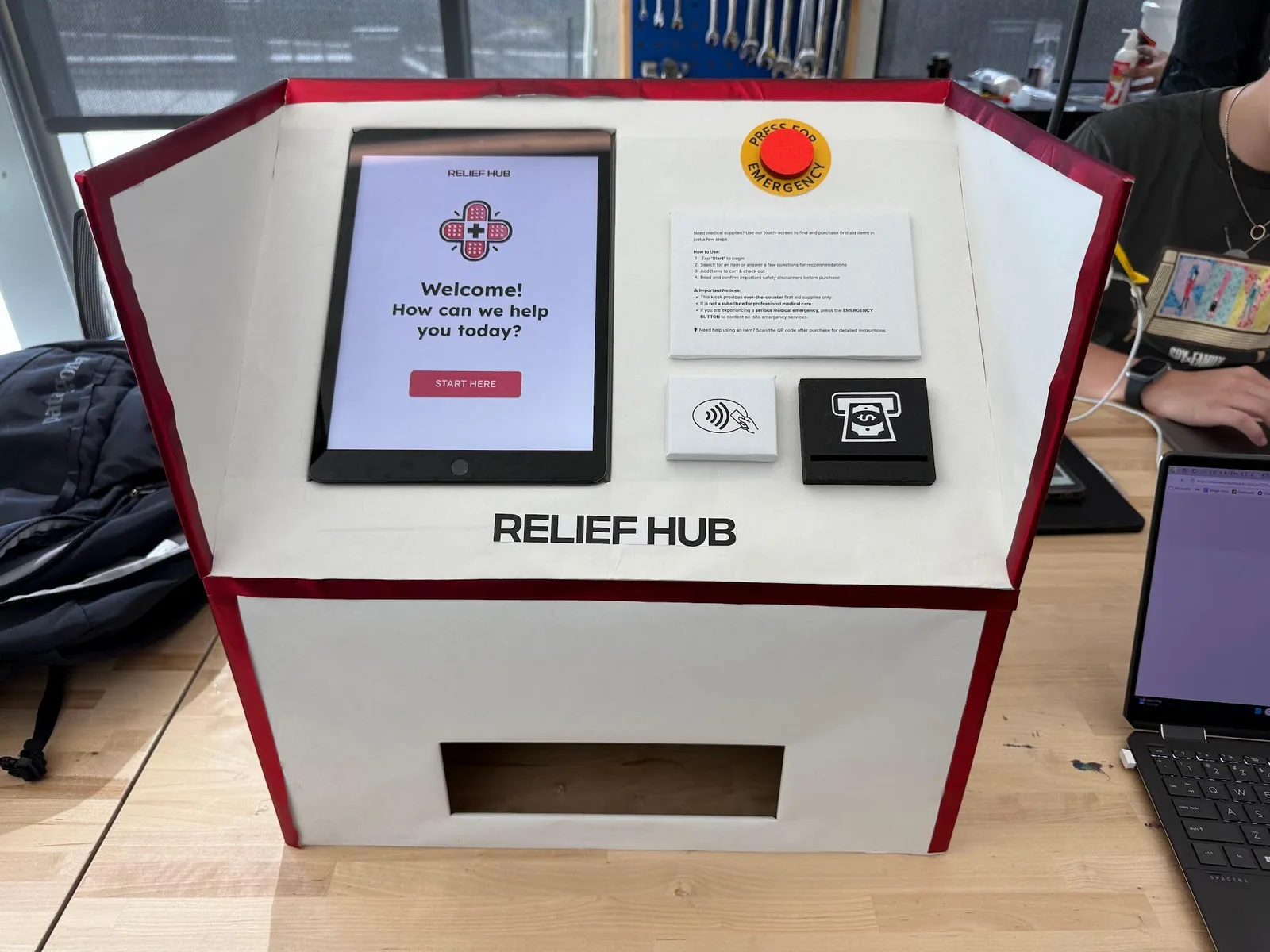
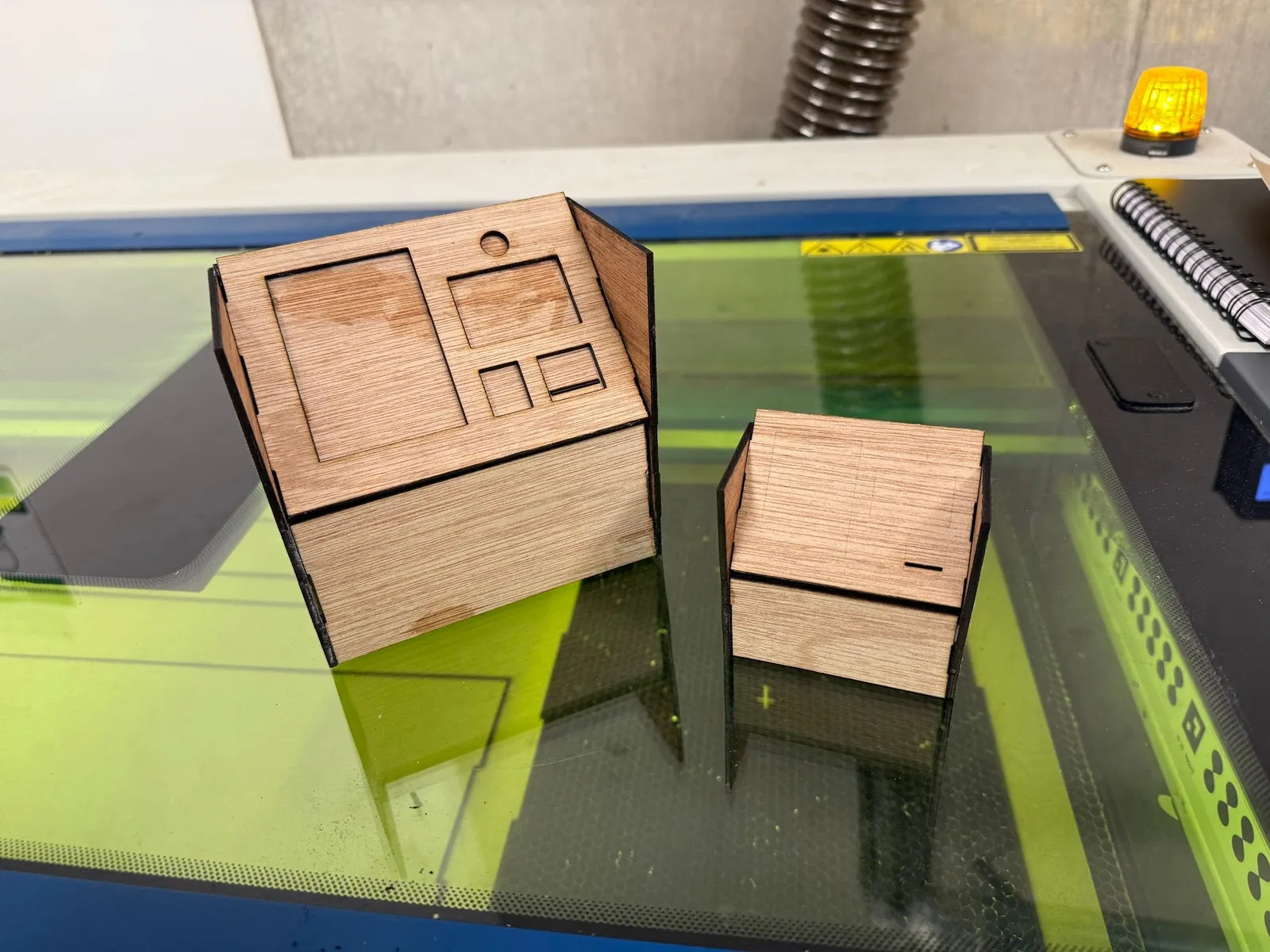
Full-scale ReliefHub kiosk with touchscreen and dispensing bay

Interaction design · Sep 2024 - Dec 2024

ReliefHub

A first-aid kiosk connecting item search, guided questions, safety information, and a physical service.

Project lead / UI/UX designer

4 designers

Opportunity

Help should not start with another long line.

At entertainment venues, finding supplies can mean leaving a crowd, locating a medical tent, and waiting. Research with approximately 30 participants informed a service for visitors who know what they need and those who need guidance. Interview insights emphasized clear product instructions, emergency assistance, and item search. Field observations at Petco Park explored entrances, exits, and other potential kiosk locations.

System

A screen connected to a physical service.

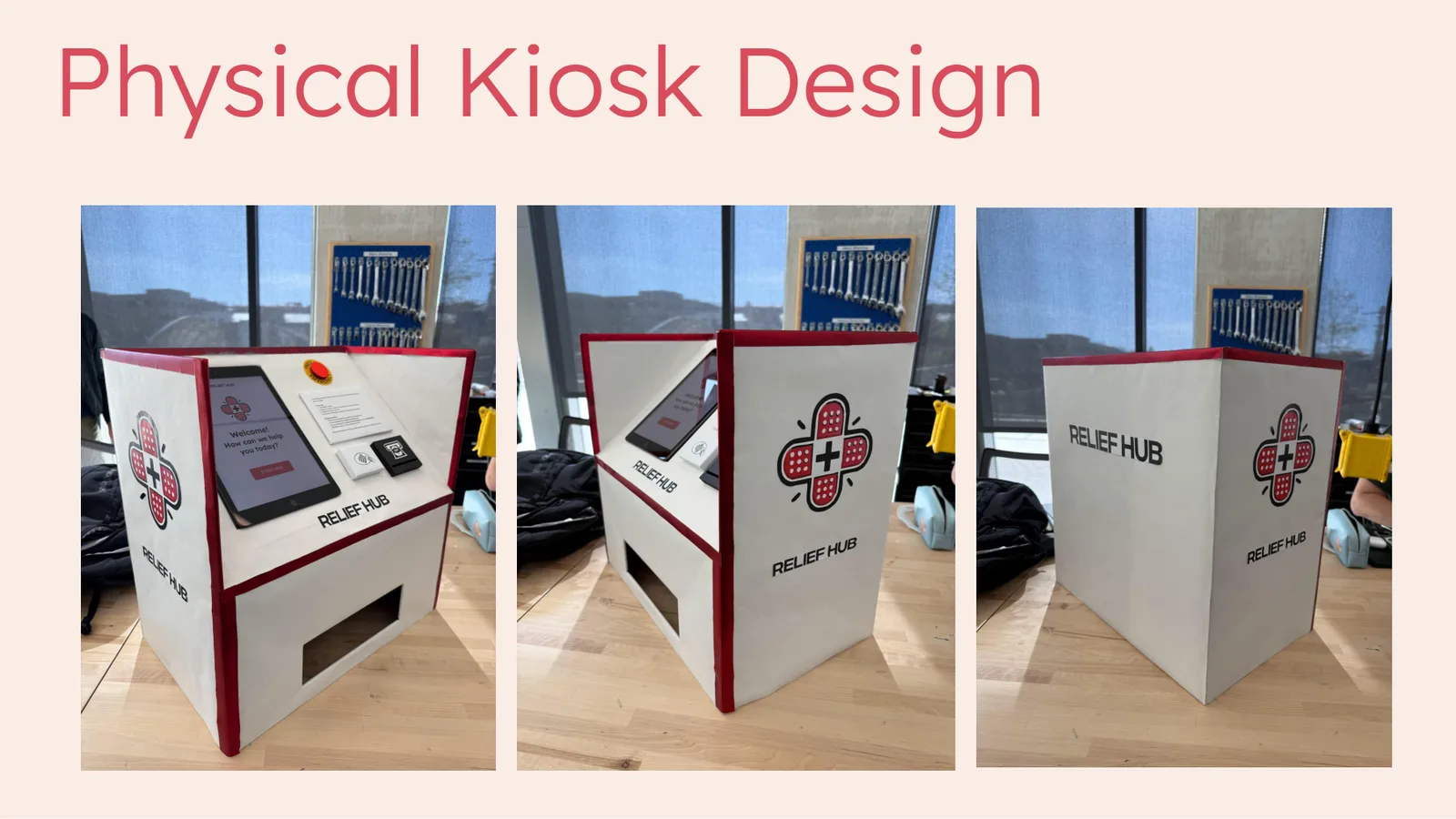
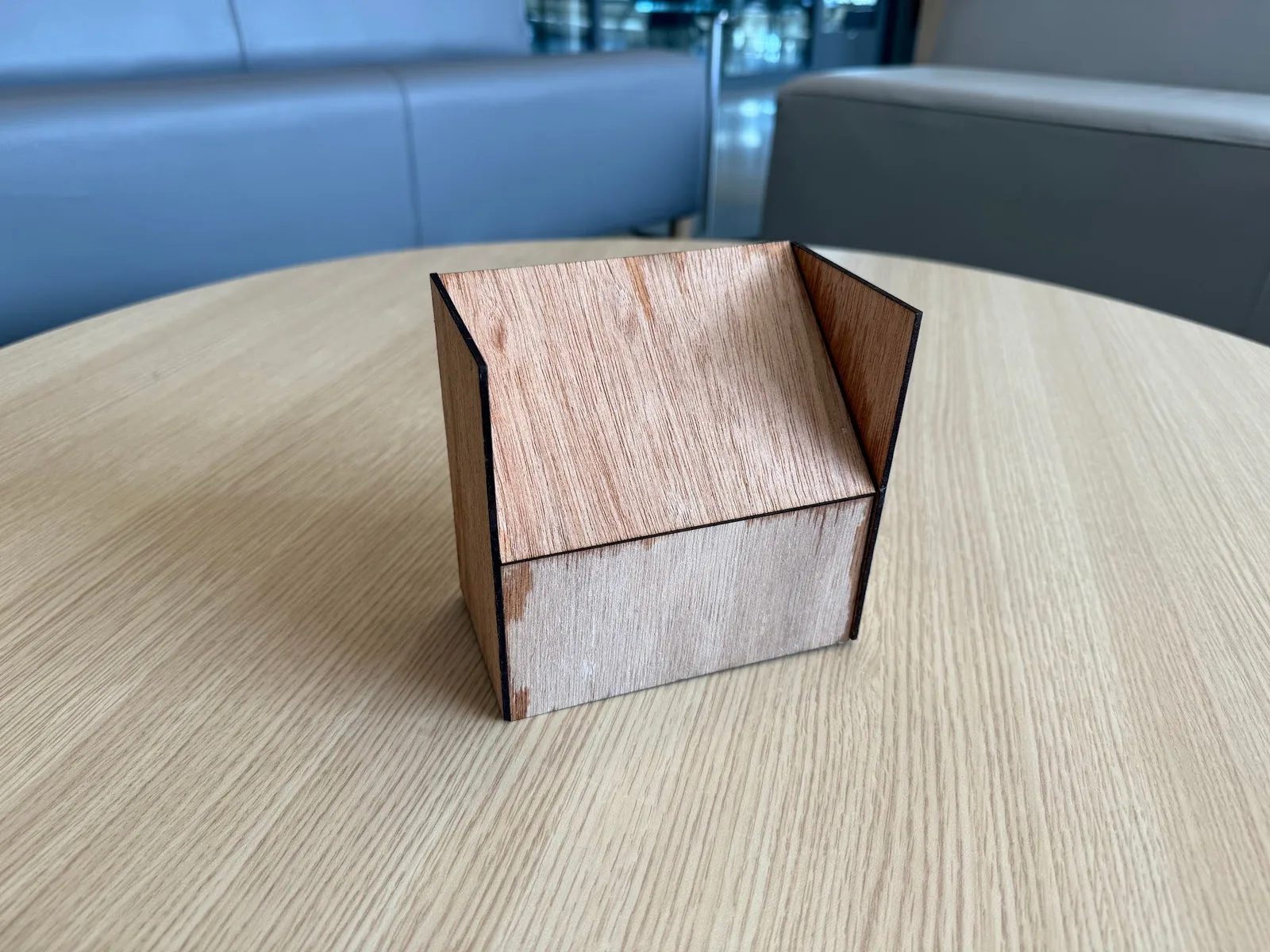
I led UI/UX work within the team. The physical prototype connects the touchscreen with an emergency button, cash and contactless payment touchpoints, and a dispensing bay. Form studies explored the enclosure before the full-scale build. Screen and enclosure belong to one journey: understand the route, select an item, review information, then collect supplies.

Flow

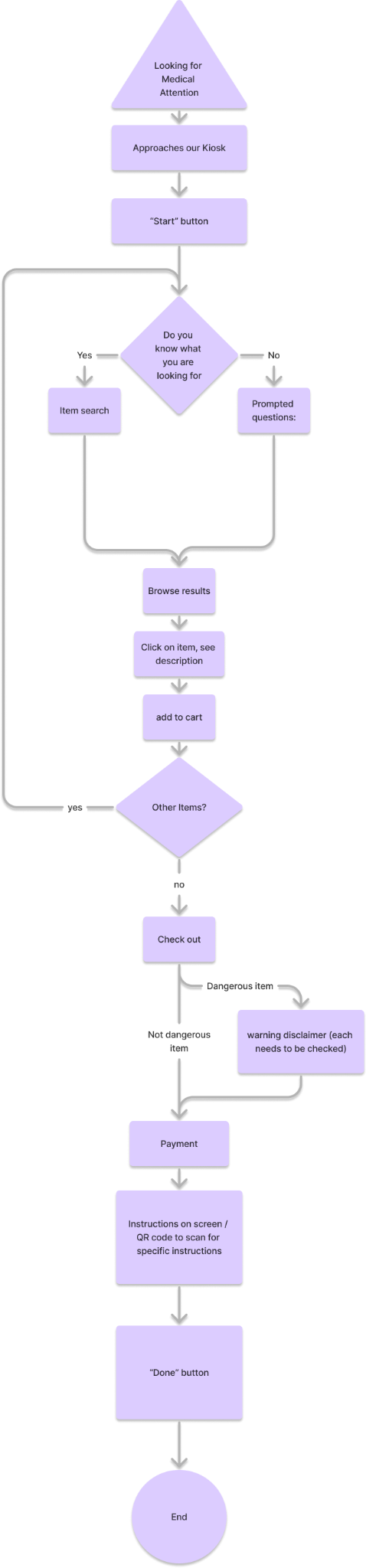
Two routes converge on review and checkout.

Known-item search and a guided questionnaire offer different starting points. The questionnaire asks about responsiveness before symptoms and recommendations. Search results allow visitors to inspect product information or add items to a cart. Both routes lead toward checkout.

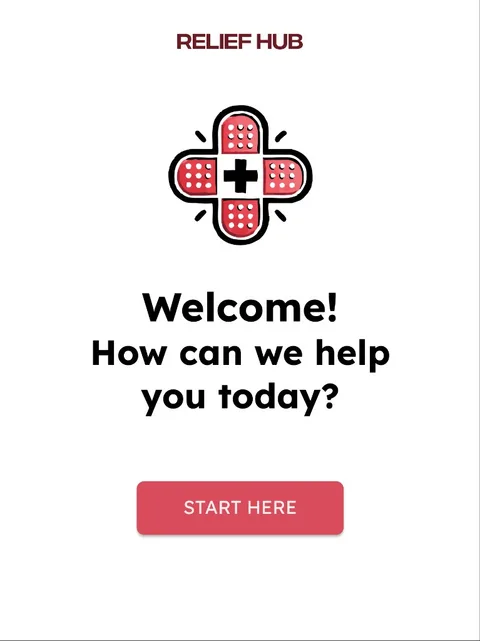
ReliefHub welcome screenWelcome
01 / 04

Start at the kiosk.

The welcome screen provides one entry point into the service.

Arrive
Step 1 of 4: Arrive

Decisions

Make the next action easier to understand.

Testing identified three priorities for the next iteration: simplify emergency questions, make symptom choices easier to distinguish, and provide richer item information. These findings guide the proposed revisions below.

Separate emergency assessment from shopping

Decision / Why: The flow includes a responsiveness question before product recommendations.

Evidence: Testers were unclear about emergency actions. Double-negative wording caused confusion; the team recommended simpler questions and reordered hierarchy.
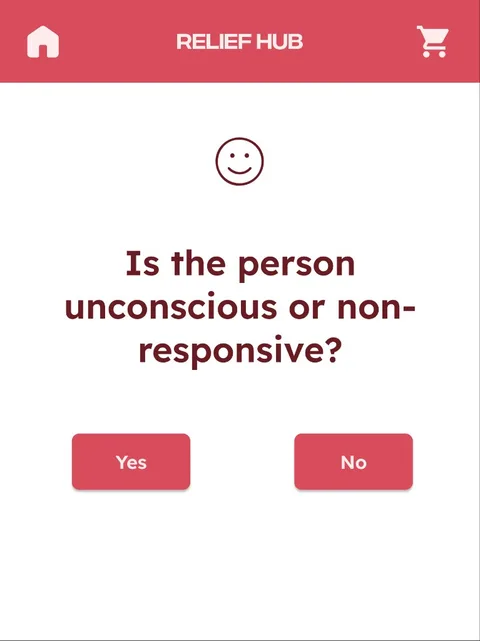
Responsiveness question in the ReliefHub questionnaire
Responsiveness question / current design

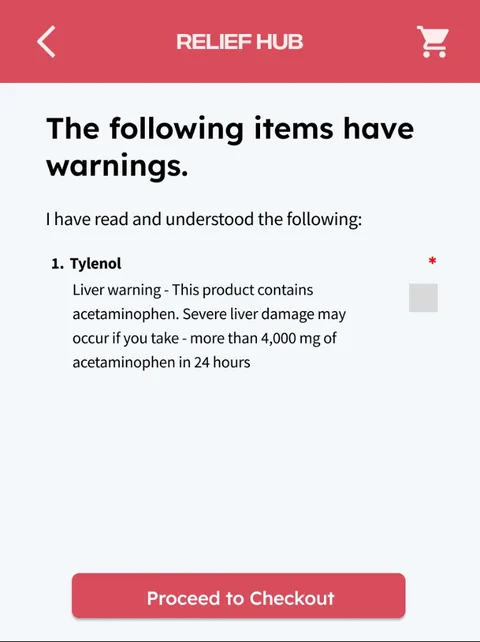
Make warnings part of the purchase

Decision / Why: The screen requires acknowledgement of dosage and allergy information before payment.

Dosage and allergy warning acknowledgement screen
Warning acknowledgement before checkout

Support search and guided questions

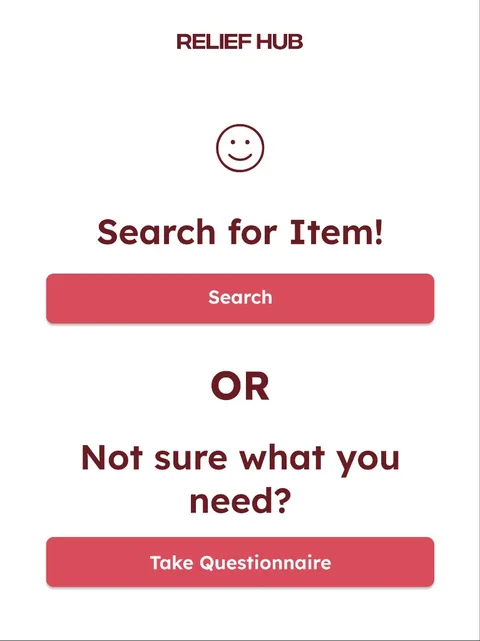
Decision / Why: Visitors can choose a direct item route or a questionnaire instead of following one path.

Evidence: Search was described as quick to use. The questionnaire could feel long and stressful; symptom choices were difficult to distinguish.

Start screen with search and questionnaire choices
Two routes from one starting screen

Outcome

A tested design proposal, not a deployed service.

More than 10 users tested the connected experience. Search was described as quick to use, while the questionnaire exposed confusing wording, unclear emergency actions, and difficult-to-distinguish symptoms. Item descriptions also needed more detail. The next iteration would reorder questions, clarify emergency routing, simplify symptom choices, and expand product information, followed by another round of testing.

My contribution

As project lead and UI/UX designer on a four-person team, I led the interface work connecting item search, guided questions, review, and checkout with the physical kiosk experience.

What I learned

The testing findings made the next design priorities clear: question wording, distinguishable symptom choices, and explicit emergency actions matter as much as connecting the screens. The proposed revisions still need implementation and another round of testing.

Read the testing findings
Back to all work View resume
↑